Accessible UI: Inclusive Design for all Individuals


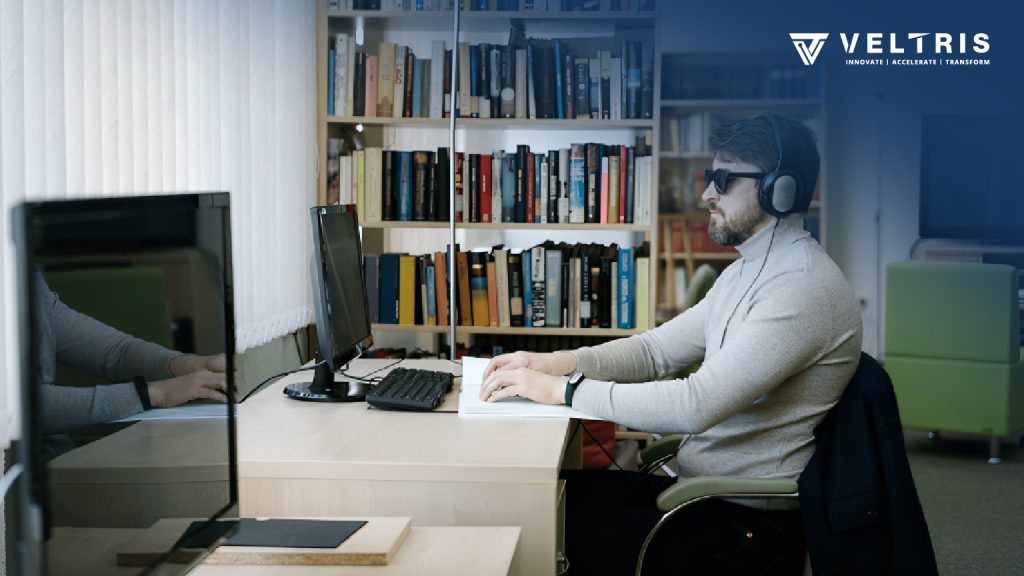
We are all raised to empathize with people with disabilities. Being able to use technology can open the door to a whole new world for these people. But when we develop websites, we rarely think about how much the lack of usability affects people with disabilities. In many countries, there are laws in place to ensure website accessibility for people with different hearing, movement, visual, and mental abilities.
By prioritizing design accessibility and user experience, we can ensure that everyone, including disabled and elderly individuals, can navigate and interact with digital platforms effortlessly.

Here are a few example scenarios that can provide you with a better understanding:
- Autoplaying a video on a website can be beneficial for individuals with limited motor skills, but it may not serve any purpose for typical users.
- Incorporating buttons is an effortless method to create a map that allows visually impaired individuals to navigate through it.
Additionally, let’s consider some other scenarios that illustrate the significant impact it can have on specific user groups.
Imagine a blind user trying to access a login page of a website where the “username,” “password,” “login button,” and “cancel button” fields have a random order of tab indices. He would not even know when the loop ends. After submitting a form, a list of error areas is displayed at the top of the form. Since the user has already scrolled to the submit button, he will not even understand what went wrong. All these errors are out of sight, out of mind.
The following are a few commonly utilized speech recognition software and assistive technologies:

As a designer or strategist, it is essential to constantly consider ways to enhance the user experience and minimize difficulties they may face.
Let’s categorize the challenges based on disabilities and explore potential solutions that can be implemented.
Sight Issues
- Users with visual impairments should be able to perform all website interactions using a keyboard, as it is less cumbersome compared to using a mouse.
- For every visual element, such as image sliders, links, buttons, there should be an alternative text representation
Audibility Issue
Including subtitles in videos can partially assist individuals with hearing impairments. However, it is much more helpful if they are provided with a transcription file where they do not have to wait for the video to play and continue. The transcript allows them to quickly read and understand the context without having to watch the video. Transcripts are valuable for all users and demonstrate thoughtful design.
Strength Issues
When using an “image of the text” as a link on a page, speech recognition technology cannot detect the link based on the text since it appears as an image. This is because the code under the link does not use the ‘words in a text’, but an image.
We need to ensure that all “Calls To Action” are well represented in their text alternatives.
If the controls of an image slider appear when you move the mouse cursor, and disappear when you move the mouse cursor away. Speech recognition technology cannot dictate these controls because they are not visible on the screen. Users may not even realize that it is an image carousel.
All “calls to action” should be consistently visible.
Reasonability issues
Use layman terms instead of heavy technical terms. Websites should be prepared for unforeseen inconveniences. For example, inform the user that the “XYZ” process will take 5 minutes. Or inform him in advance when a link will open in a new window.
Let’s embark on a journey of creating inclusive designs that cater to the needs of every individual. By adopting a user-centric approach, we can enhance design accessibility and improve the overall user experience. I hope this blog has provided you with valuable insights into the important aspects of design and usability. Enjoy the process of development, and remember to prioritize the needs of disabled individuals and the elderly in your design endeavors. Together, we can build a more inclusive and user-friendly digital landscape.