Web App Penetration Tests With AWS


In 2019, the U.S. was hit by an unprecedented and unrelenting barrage of ransomware attacks that impacted at least 966 government agencies, educational establishments and healthcare providers at a potential cost in excess of $7.5 billion.
Above is a quote from Emsisoft’s December 2019 report on the State of Ransomware in the US in the year 2019. However the report is for the U.S. for one year, it certainly gives a perspective on how much financial damage the ransomware attacks cause yearly in the whole world.
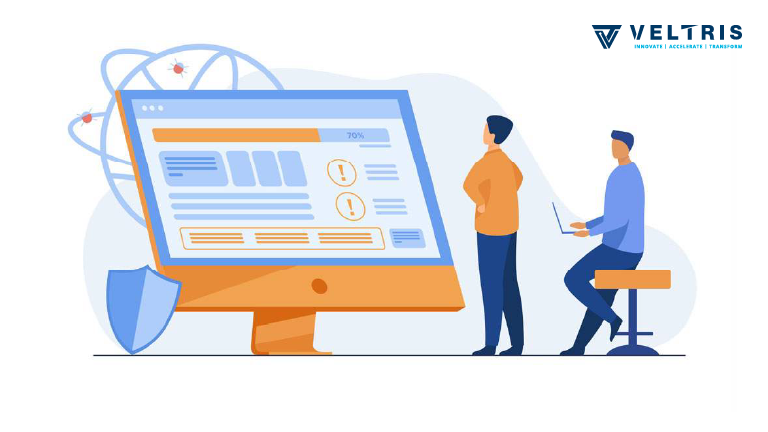
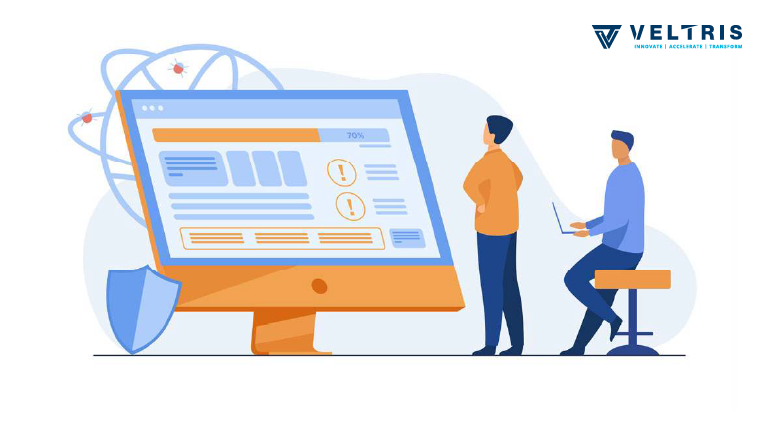
This makes web application security one of the most crucial areas for you as a developer to focus on. How to do that? The answer is to conduct security scans or penetration tests on your application. This can be done at the following levels on your application.
- Network Reachability Level
This level of test deals with the reachability of the machines on which the application is running from the public internet. - Operating system and Infrastructure Level
This level of test deals with the vulnerabilities at the OS and other infrastructure configurations such as user accessibilities, logs and vulnerabilities in software versions. - Application level
This level of test deals with the vulnerabilities that may be present in the application’s architecture, tokens used or in code.
The scope of this blog is to understand how Network Reachability and OS and Infrastructure level penetration testing can be done using AWS Inspector.
AWS Inspector is an easy to use tool by AWS to run security scans on instances or a group of instances that are running on AWS. You can get more information about it and its pricing from here.
It provides following rule packages to run against your AWS instances. (Please click to read their docs on AWS)
- Network Reachability
- Common vulnerabilities and exposures
- Center for Internet Security (CIS) Benchmarks
Below screenshot shows AWS inspector dashboard where the consolidated information for all your assessments and findings is present.

Assessment Targets
To run penetration tests, you have to create assessment targets first. These are AWS resources against whom you want to run your tests. These could be EC2 instances on which your application is running or Auto Scaling Groups (ASG).
Assessment Templates
Once you have created assessment targets, you have to create assessment templates where you can specify properties of each assessment. These properties include the assessment targets, rules packages, duration, assessment schedule (If you need to run the same assessment periodically).
Assessment Run
After the assessment template has been created, an Assessment Run can be created which requires the assessment template as an input and runs a process of vulnerability scan for rule packages against the assessment targets specified in the assessment template.
Findings
Findings are the vulnerabilities that were found after an Assessment Run. Each Assessment Run generates a report of findings which can either be viewed on the AWS Inspector dashboard or can be downloaded in various formats.
AWS Inspector also provides suggestions on how each vulnerability can be remediated. Note that, the suggestions provided are for very ideal conditions. Therefore, the remediation actions should always be taken keeping the impact on your application’s functioning in mind. Sometimes, there may be other ways to remediate the vulnerabilities.
Network Reachability Penetration Test On AWS Inspector
If you want to run the network reachability penetration testing on your AWS resources, create Assessment Templates with only the “Network Reachability” rule package and create an Assessment Run for that. The findings will show the the list of exposures caused by some open ports on your EC2 instances which are reachable from the public internet.
OS and Infrastructure Level Penetration Test On AWS Inspector
If you want to run the OS and Infrastructure Level penetration testing on your AWS resources, create Assessment Templates with only the “Common vulnerabilities and exposures And Center for Internet Security (CIS) Benchmarks” rule package and create an Assessment Run for that. The findings will show the the list of vulnerabilities caused by unorganised logs in the system, bad user accesses, vulnerable software patches, etc. The suggestions provided in the findings can be followed to remediate the vulnerabilities.
AWS Inspector does not provide rule packages for running Application level penetration tests. There are open source tools like ZAP and Wapiti which we can use to scan for vulnerabilities at application level. We will discuss them another article. 🙂
If you enjoyed this tutorial, please click the 👏 button and share to help others find it! Feel free to leave a comment below.